
Advanced Form Submissions is an alternative submissions dashboard for Optimizely CMS 12 built for teams that need better control over Optimizely Forms data. It improves the default submission view with stronger filtering, export tools, bulk actions, and a more practical review experience for editors and administrators.
In larger Optimizely solutions, form data quickly becomes harder to manage across multiple sites, languages, and forms. This add-on gives teams a faster and more flexible way to review submissions without relying on the default interface alone.
Why use Advanced Form Submissions
- Filter submissions by site, language, and form.
- Search across submission content and apply date range filters.
- Export filtered data as CSV, XML, or JSON.
- Delete submissions more efficiently.
- Open the original form directly from the dashboard.
- Preview a submission on the original page with form hydration.
Key features
Personalized dashboard
The dashboard is designed for day-to-day editorial use and supports a more flexible review workflow.
- Reorder columns to fit your needs.
- Hide fields that are not useful for your review process.
- Save settings per user, form, and language.
- Use paged data loading for better performance on large datasets.
Advanced filtering and search
Submissions can be narrowed down quickly with filters for site, language, and form, plus free-text search and from/to date filtering.
Export and management tools
- Export filtered submissions as CSV, XML, or JSON.
- Delete selected or filtered submissions.
- Jump directly to the related Form Container Block in CMS.
Better data display
- File upload values are shown as clickable links.
- Selection fields such as checkboxes, radio buttons, and dropdowns are rendered more clearly during review.
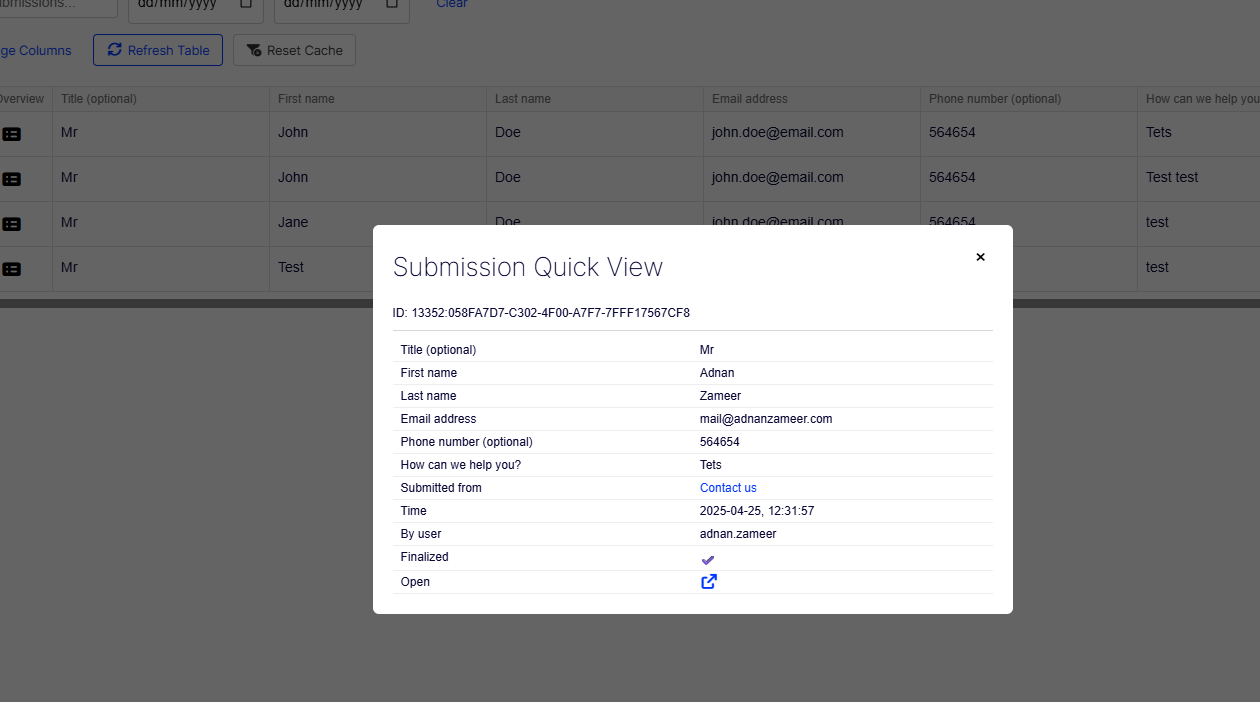
View submission on page
The add-on supports form hydration, which lets authorized users open a submitted form directly on the original page with the submitted values prefilled.
- Open a submission in its original page context.
- Review how the form looked when it was submitted.
- Keep the workflow permission-aware and security-aware.
How to access it
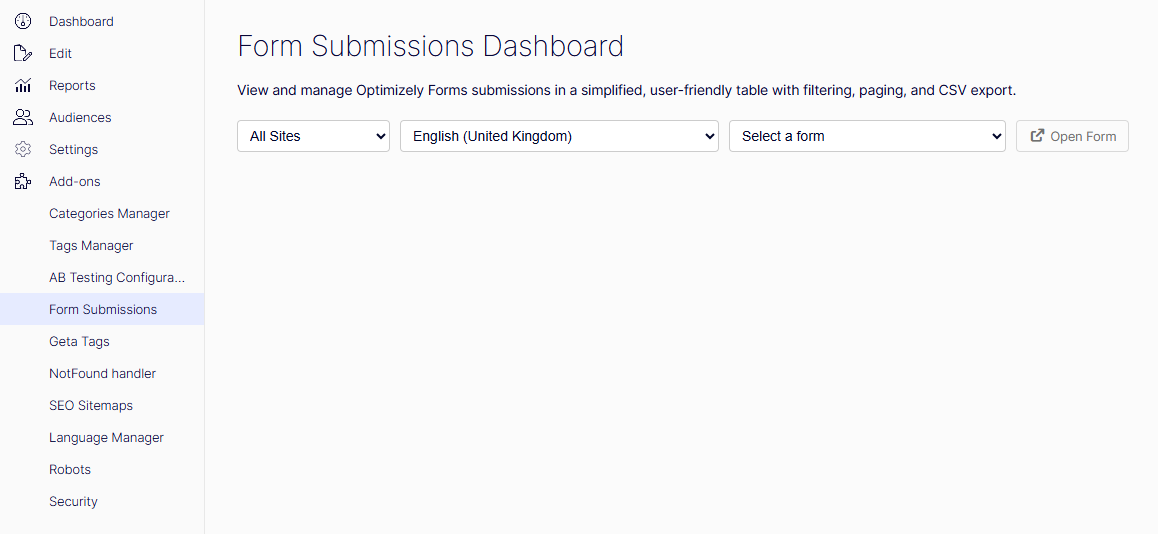
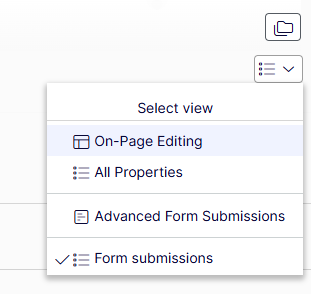
The dashboard is available in two ways:
- From the CMS global menu as Form Submissions.
- From a Form Container Block through the custom Advanced Form Submissions view.
Installation
Install the package from the Optimizely NuGet feed:
dotnet add package A2Z.Optimizely.AdvancedFormSubmissionsRegister the add-on during application startup:
using AdvancedFormSubmissions;

builder.Services.AddAdvancedFormSubmissions();
This registration adds the module, protected resources, CMS integration, and the default authorization policy.
Authorization and security
The add-on uses a dedicated authorization policy: form:submissions.
By default, access is granted to:
- CmsAdmins
- WebAdmins
- Administrators
The same policy protects menu visibility, dashboard access, and form hydration behavior.
Compatibility
As of July 24, 2026, this add-on supports Optimizely CMS 12.
Limitations
Encrypted Optimizely Forms fields are intentionally not supported for dashboard display or hydration.
- Encrypted values cannot be read through public APIs.
- Encrypted fields are not hydrated on the front end.
- Exports may show empty or masked values for encrypted fields.
Links
GitHub repository
README
NuGet package
FAQ
Does this replace Optimizely Forms?
No. It improves how submissions are reviewed and managed after forms are submitted.
Can editors preview submissions on the original page?
Yes. Authorized users can use form hydration to open a submitted form in its original page context.
Does it support encrypted fields?
No. Encrypted fields are intentionally excluded from hydration and display.

0 comments :
Post a Comment